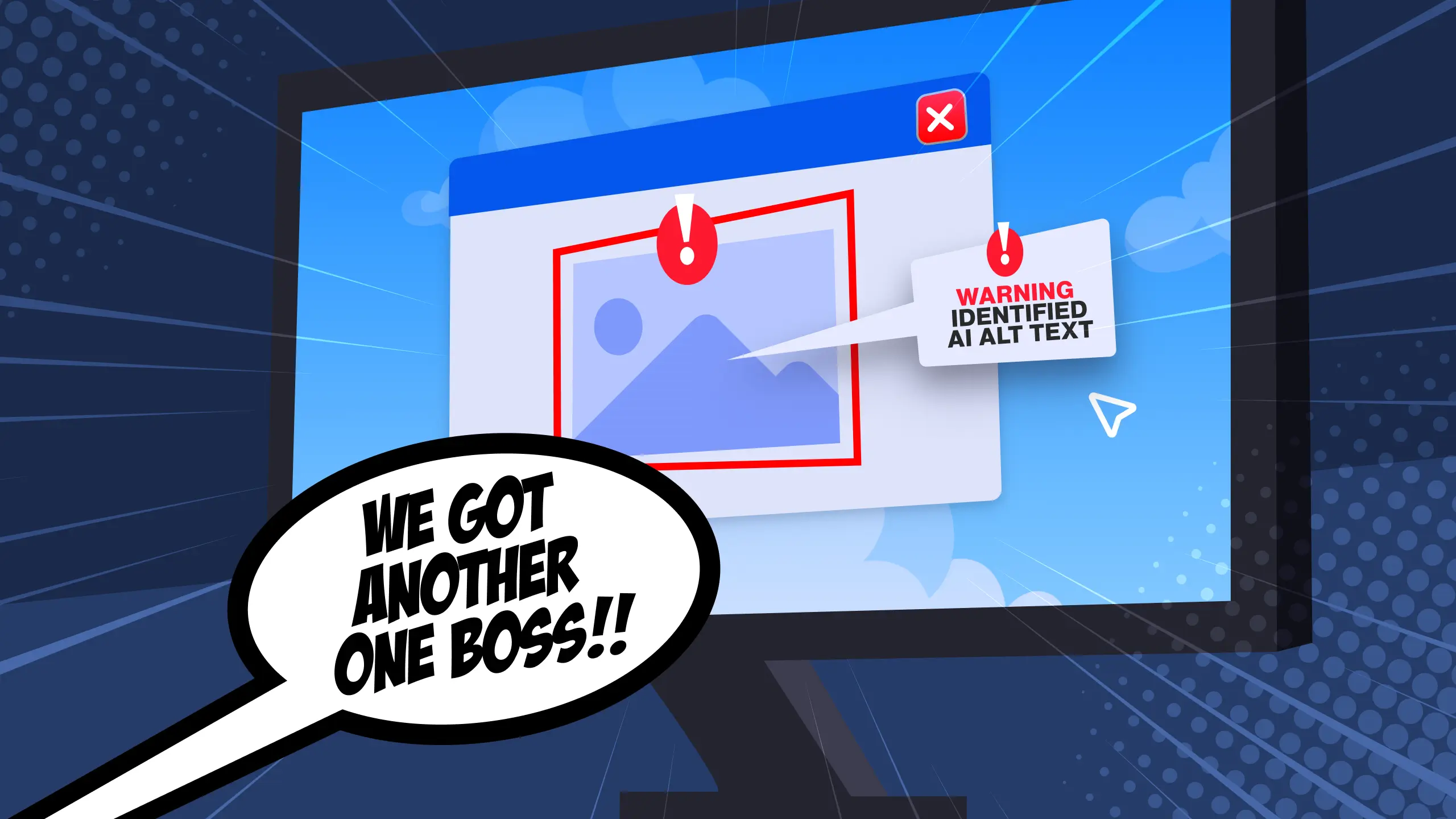
Screen reader users can reliably identify AI-generated alt text, and they abandon navigation tasks more frequently compared to when human-written alt text is used.
Ever been in a conversation where someone keeps interrupting you?
Imagine you’re reading a book or, heaven forbid, a blog post, and all of a sudden someone says
“AN IMAGE OF TWO PEOPLE SITTING TOGETHER AT A TABLE.”
Aside from the obvious question (“What are you doing in my home??”), you may wonder “Why are they at the table?” “What type of table?” “Is this in a home dining room, a school cafeteria, a mall food court? Is it a sewing table, a camping table, a sturdy wood table, one of those foldable TV tables my grandma used to have?”
Now imagine you’re listening to an audio version of a data report, and the narrator gets to a graph of Q3 numbers, and they simply read “A graph of Q3 numbers” where the visual chart should be. You’d probably be frustrated. I wouldn’t blame you.
This is what screen reader users deal with every day with alt text.
AI tools tend to optimize for visual accuracy when what you need is contextual meaning, so what you get is technically compliant descriptions that simply don’t work when someone actually uses them.
More and more people are using AI on their websites to write alt text, and that text often fails your users in ways audits won’t capture.
AI gets the wrong details right
When researchers tested GPT-5 against human-written alt text across 500+ images, the results defied expectations. The AI achieved high technical accuracy scores, correctly identifying objects, colors, and spatial relationships in most images. Nice!
But when screen reader users attempted real-world navigation tasks using the AI-generated descriptions, completion rates dropped significantly compared to human-written alternatives. GPT-5 emphasized the wrong details and omitted what mattered most.
The worst failures occurred with images that carried emotional or cultural context. A photograph of protesters holding signs might be described by AI as “a group of people outdoors holding rectangular objects with text,” while missing the civic action, the urgency, or the historical significance that human writers naturally capture. University of Illinois research shows that screen reader users value descriptions that convey “the feeling and emotion evoked by images,” precisely the elements that current AI models strip away in favor of a literal visual inventory.
When accessibility experts tested the same image set, their analysis revealed that AI-generated alt text creates what one participant called “functional blindness”, technically accurate descriptions that provide no meaningful context for decision-making or comprehension.
The cost of AI alt text
When automated alt text fails WCAG compliance, the financial consequences compound rapidly across enterprise-scale websites.
WebAIM’s 2026 analysis found that more than one in four images on popular home pages have missing, questionable, or repetitive alt text. Companies that deployed AI-generated alt text without human review faced settlement costs when their automated descriptions failed to meet functional requirements. The legal risk stems from AI’s systematic failure to convey purpose, context, and meaning that screen reader users require for effective site navigation.
In short: The text AI generates is accurate, but useless.
AI will describe visual elements instead of conveying product information, purchase options, or promotional details that customers need. The remediation process requires human accessibility experts to rewrite descriptions for their entire image library, multiplying the original cost of implementation.
The W3C Web Accessibility Initiative standards make no distinction between human-written and AI-generated alt text, requiring only that descriptions serve their intended function for users who cannot see images. However, compliance audits reveal that AI-generated descriptions fail functional testing even when they pass automated WCAG checkers. The gap between automated compliance checking and real-world usability creates a false sense of security that becomes expensive when legal challenges arise.
Enterprise accessibility teams now budget for comprehensive human review of AI-generated descriptions, effectively doubling the cost of implementation while extending project timelines. Industry analysis comparing accessibility tools shows that hybrid workflows combining AI generation with human expertise deliver better outcomes than either approach alone.
I bolded it because it’s important, and because if there’s one actionable thing you take away from this article it should be that.
Restructure your workflows to prioritize human judgment for contextually complex images, while reserving automation for straightforward product photography and basic graphics. Evaluate AI alt text tools not on generation speed or per-image pricing, but on their integration capabilities with human review workflows and their track record in actual compliance audits.
When AI alone is enough
AI alt text generators outperform human writers in three specific scenarios:
- high-volume product catalogs with standardized photography,
- basic data visualizations like bar charts and pie graphs, and
- standard user interface elements across software platforms.
For e-commerce sites processing thousands of product images daily, AI tools will likely deliver faster, more consistent descriptions than human writers who introduce variation in tone, detail level, and technical terminology.
AI tools also correctly identify data trends, axis labels, and numerical relationships without the interpretive errors that human writers sometimes introduce when rushing through technical content.
The most effective enterprise implementations combine AI generation with strategic human oversight rather than treating the approaches as mutually exclusive. Companies deploying hybrid workflows report significant cost savings compared to fully human workflows while maintaining quality standards that satisfy both compliance audits and user testing. The key is matching the tool to the content type: AI handles routine product photography and standard interface elements, while human expertise focuses on contextually complex images, historical photographs, and content requiring cultural sensitivity.
Organizations that succeed with AI alt text establish clear criteria for automatic approval versus human review, typically based on image complexity, business importance, and user context. This targeted approach maximizes the efficiency gains from automation while preserving the contextual understanding that only human judgment provides.
Screen reader test results (in case you don’t believe me)
As mentioned above, recent research comparing AI-generated alt text to human-written descriptions found that screen reader users could consistently identify AI descriptions.
Users abandoned navigation tasks more frequently when encountering AI descriptions for complex images like historical photographs, infographics with embedded text, and product images requiring contextual understanding. AI consistently missed the functional purpose of images, describing what was visible rather than why the image mattered to users trying to complete specific tasks.
Screen reader users reported they could identify AI-generated alt text within seconds of hearing the description. The telltale signs included mechanical listing of visual elements without explaining relationships, generic emotional language that felt disconnected from image content, and descriptions that ignored the surrounding page context that human readers use to understand image purpose.
A University of Illinois accessibility research team found that users valued emotional and contextual information in alt text far more than technical accuracy, contradicting assumptions that drove most AI training approaches.
The study lists three categories where AI descriptions consistently failed user needs:
- images requiring cultural interpretation,
- photographs where emotional context mattered more than visual details, and
- functional graphics where the image’s role in completing user tasks outweighed its literal content.
Organizations using AI alt text reported compliance scores that satisfied automated testing but generated user complaints and task abandonment in real-world scenarios.
Quality checkpoints for your alt text
Every alt text workflow needs systematic quality checkpoints, not just automated generation followed by hope.
Context accuracy
The description should explain how this image relates to the surrounding content, not just what appears in the frame.
AI consistently messes this up because it processes images in isolation, missing context clues from headlines, captions, and page purpose that human readers use instinctively. A photograph of a handshake is meaningless without knowing what it represents.
Reviewers need to:
- Read the surrounding paragraph(s)
- Understand the user’s likely intent when encountering this image
- Verify the description serves that specific context
Functional relevance
What task does this image help users complete?
Product photos need different detail levels for browsing versus purchasing decisions. Charts need data relationships, not color descriptions. Historical photographs in educational content need cultural context that pure visual description omits.
Length optimization
Character length is maybe the most common failure mode in both AI and human-generated descriptions. Keep descriptions concise for simple images, extending length only when complexity demands additional detail.
Longer descriptions create cognitive load, but shorter ones omit information.
Read your image descriptions aloud at screen reader pace to identify awkward phrasing, redundant information, or missing details.
User intent alignment
This is the hardest of the four, requiring reviewers to understand both what users need to know and how that information fits their mental model of the page.
Implementation requires trained reviewers to spend substantial time per image, with skill requirements ranging from basic content understanding for simple checkpoints to accessibility expertise for complex scenarios. Organizations that build systematic review processes report quality scores that satisfy both automated compliance testing and user satisfaction metrics.
Sadly, alt text quality will get worse before it gets better
The accessibility community faces a paradox: As AI tools become more capable, overall alt text quality across the web will likely decline in the near term. Organizations are adopting AI generation faster than they’re implementing the quality review workflows that make it effective.
The problem is in the adoption curve. Marketing departments and content teams embrace AI alt text for its speed and apparent cost savings, often without consulting accessibility professionals or implementing systematic review processes. Meanwhile, meaningful improvements in contextual understanding likely remain years away (but I’ve been surprised by AI before, so who knows).
People are going to keep using AI. That’s basically inevitable. Actually, more people will probably use more AI. So AI alt text that fails users is only going to get more common until something changes.
Assuming that’s the case, recovery depends on three things:
- Models need to gain better contextual awareness, understanding image relationships to surrounding content rather than processing visuals in isolation.
- Industry standards need to evolve beyond basic compliance metrics to include user satisfaction and task completion measures, forcing organizations to address quality gaps they currently ignore.
- Accessibility professionals need to establish hybrid workflows that leverage AI speed while preserving human judgment for context, cultural interpretation, and functional relevance.
A crash course on good alt text
Understand the image’s function within its specific context.
Read the surrounding paragraph before writing any description. Context determines whether an image needs detailed visual description, cultural interpretation, or can be marked as decorative.
Keep descriptions between 125-150 characters for simple images, extending only when complexity genuinely demands additional detail. Test your descriptions by reading them aloud at screen reader pace to identify awkward phrasing or missing information.
Test your alt text with your own screen reader, at least until you get used to it. See what works for you and what doesn’t.
Above all, have care for the users who will rely on this alt text. We’re all in this together. Let’s make things better for each other.
References
- Best Digital Accessibility Reviews 2026 | Gartner Peer Insights. (2026). Gartner.com. https://www.gartner.com/reviews/market/digital-accessibility
- Boutadjine, A., Fouzi Harrag, & Khaled Shaalan. (2024). Human vs. Machine: A Comparative Study on the Detection of AI-Generated Content. ACM Transactions on Asian and Low-Resource Language Information Processing. https://doi.org/10.1145/3708889
- Chen, N., Lu, J., Wang, Z., Qiu, L. K., Chen, S., & Yang, Y. (2026). From Struggle to Success: Context-Aware Guidance for Screen Reader Users in Computer Use. Proceedings of the 2026 CHI Conference on Human Factors in Computing Systems, 1–19. https://doi.org/10.1145/3772318.3790661
- Gartner, I. (2026). Deque Systems vs TestMu AI 2026 | Gartner Peer Insights. Gartner. https://www.gartner.com/reviews/market/ai-augmented-software-testing-tools/compare/deque-systems-vs-testmu-ai
- Huckins, G. (2026, February 5). This is the most misunderstood graph in AI. MIT Technology Review. https://www.technologyreview.com/2026/02/05/1132254/this-is-the-most-misunderstood-graph-in-ai/
- Large Language Models for Web Accessibility: A Systematic Literature Review. (2026). Arxiv.org. https://arxiv.org/html/2605.13873
- October 14, 2025: The Nuances of Alt Text | Digital Accessibility | Illinois. (2025). Illinois.edu. https://digitalaccessibility.illinois.edu/explore-hadi/meetings/2025/10/14
- W3C. (2025, May 6). Web Content Accessibility Guidelines (WCAG) 2.1. W3.org. https://www.w3.org/TR/WCAG21/
- WebAIM. (2024). WebAIM: The WebAIM Million – An annual accessibility analysis of the top 1,000,000 home pages. Webaim.org. https://webaim.org/projects/million/