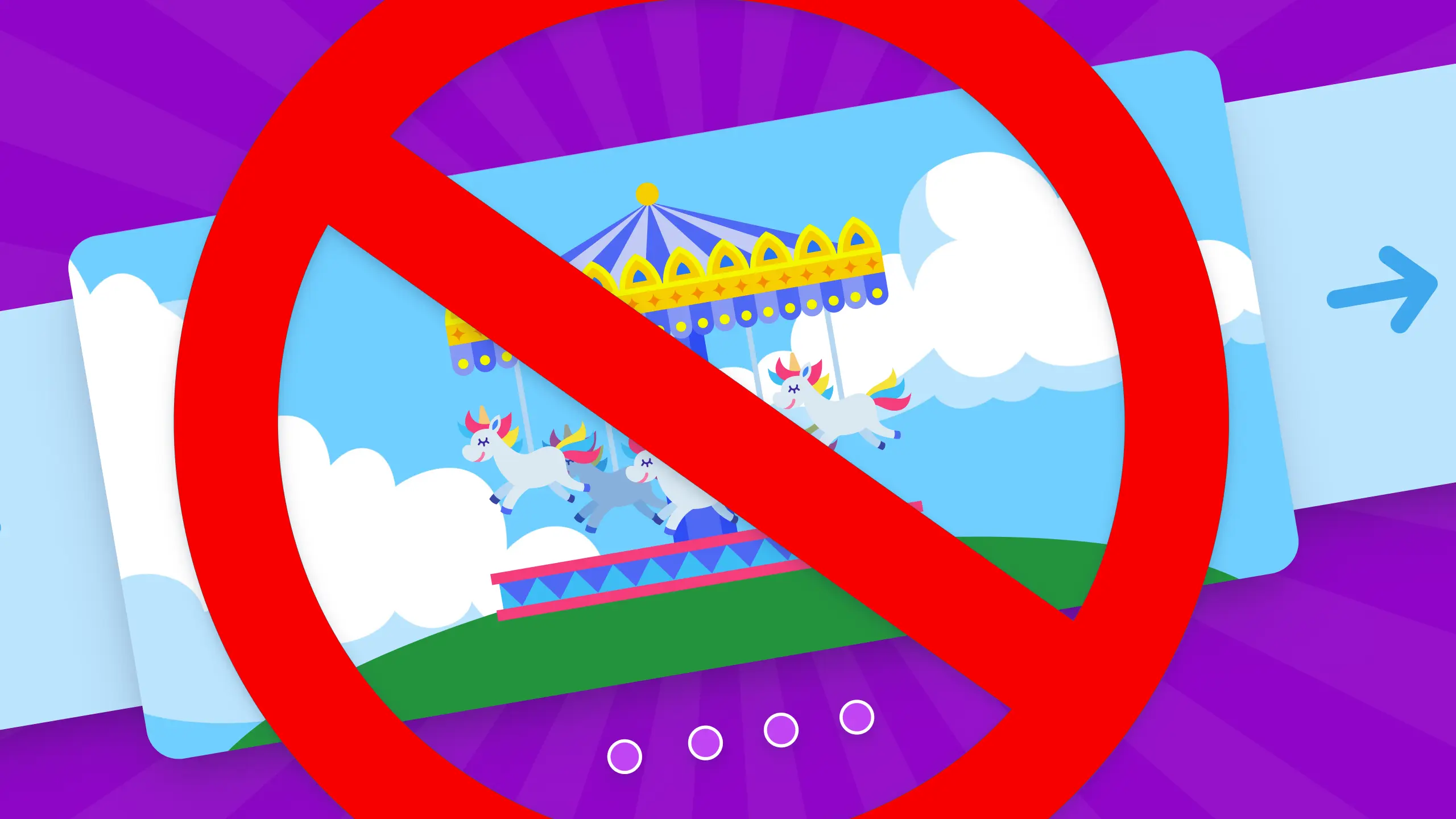
Carousels exist because teams avoid priority decisions. Unfortunately, users ignore them anyway. Here’s the research behind that, and a better alternative.
Have you ever watched someone miss something that was right in front of them?
In a usability study run by Nielsen Norman Group (NN/g), a participant was given one task: Find out whether Siemens had any special deals on washing machines. The answer was on the homepage. In fact, it was the biggest thing on the homepage – the largest element on the page, in the largest font, next to a photograph of a washing machine, offering £100 off selected Siemens appliances.
She didn’t find it.
After spending extended time scrutinizing the page, she gave up. Her conclusion? Siemens didn’t have any deals. Her parting comment: “I wouldn’t choose a Siemens appliance unless I was very rich.”
The offer was in a carousel.
Why she missed it
The reason has a name: banner blindness. Researchers Jan Benway and David Lane coined the term in 1998 after controlled experiments showed that users consistently ignored the most visually prominent elements on a page when those elements looked like advertisements. The more a design element stood out – larger, brighter, more graphical – the more reliably users skipped over it. Nielsen Norman Group independently documented the same effect in 1997, and their most recent update confirms it’s been observed across three decades of usability research.
Your brain is doing this on purpose. When you’re on a website looking for something specific, your attention narrows. You scan for signals that match your goal, and you filter out everything that pattern-matches to “promotional content.” Large rotating images at the top of a page? That pattern matches hard.
This aligns with NN/g’s 2006 eye-tracking study of 232 users across thousands of web pages, which found that most people don’t read websites – they scan them. Heavy attention across the top, a second sweep a little lower, then a vertical drop down the left side. Content that arrives from the right, on a timer, after the initial scan? It’s landing in dead space.
Carousels violate both of these principles simultaneously. They look like ads, and they deliver their content to the part of the page users are statistically least likely to be looking at.
The numbers back this up
In 2013, Notre Dame web developer Erik Runyon published interaction data from the university’s homepage carousel. Only 1% of visitors clicked on it at all – and of that 1%, 84% clicked only the first slide. The remaining slides were essentially invisible.
A Swedish conversion optimization firm, Conversionista, ran an A/B test comparing a rotating carousel against simply showing the first slide as a static image. The carousel got a 2% click rate. The static image got 40%.
We’ve also heard from a client – anonymously – who pulled their own analytics and found that 2.5% of their visitors were clicking the “next” arrow on their homepage carousel. They’re replacing it. And honestly, that 2.5% is worth thinking about for a second. Those are real people with real intent, actively seeking out content that your carousel is technically surfacing. The problem isn’t them. It’s the 97.5% who never got past slide one… and the offers they never saw.
Why carousels exist anyway
Here’s the uncomfortable truth:
Carousels are a compromise, not a design decision.
Marketing wants to feature the new product. Leadership wants the mission statement. Sales wants the case study. Design wants the award. Nobody is wrong, exactly – but nobody wins either, so the carousel becomes the diplomatic solution. Everyone gets a slide. The homepage becomes a waiting room bulletin board.
What this means in practice is that your website has outsourced its priorities to a rotating timer, and your visitors are not going to wait around for their slide to come up. They’re going to scroll past the whole thing and start looking for something that actually resembles navigation.
And then there’s the accessibility problem
Carousels that auto-advance cause additional harm to users who need more time to process content, like people with cognitive impairments, people using screen magnification who can only see part of the slide at once, and screen reader users navigating content that keeps shifting under them.
WCAG 2.2.2 requires that any content moving automatically for more than five seconds can be paused, stopped, or hidden. This is a legal requirement under the ADA, Section 508, the new ACCESS Act, and the European Accessibility Act. An auto-advancing carousel that can’t be paused, in addition to just being bad UX, is a barrier. And in many contexts, it’s also a compliance issue.
What to do instead
If the reason for your carousel is “we have multiple things to feature,” the answer isn’t a better carousel. It’s a hierarchy conversation.
Pick your most important piece of content. Put it front and center. Then use an expandable grid (a responsive card layout) to surface supporting content below it. Users who want more can explore. Nothing is hidden behind an arrow they didn’t know to click. Your whole team’s priorities are visible at once, without anyone having to wait for their turn.
An expandable grid also scales across devices in ways carousels don’t, keeps all content accessible without interaction, and – critically – forces the organizational conversation the carousel was papering over. What is the most important thing on this page? Once your team can answer that, you don’t need a carousel.
The fair is that way
The Siemens user didn’t fail. The page failed her. She was looking for exactly what the homepage was advertising, but the design made it invisible.
Carousels have been making content invisible for twenty years. The research has been there the whole time.
Stop using carousels. Your visitors aren’t waiting for slide three.